
# Deleting/Canceling a Time Off Request
Deleting an existing time off request is possible in HR Planner. Nevertheless different cases should be differentiated depending on the current status of the request.
# Step-by-step
Navigate to the Time Off section of HR Planner (via the sidebar menu).

Click on the request you would like to delete.
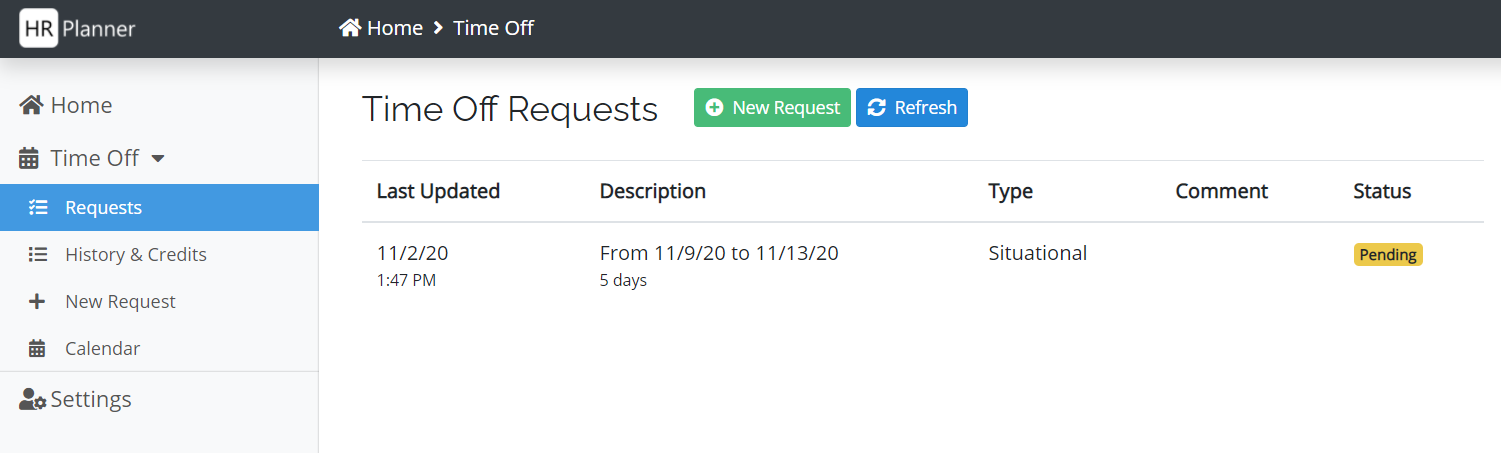
The page shows you the submitted information for the request and let's you delete it by clicking the Delete Request button at the bottom of the page.
You will be asked to confirm the deletion of your request.
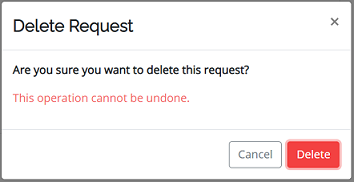
Depending on your company settings, previously approved request might need an approval for deletion from your line manager. In that case, you will be able to track the status of your deletion request in the Status of Requests Section.
If your request was still in pending status, no confirmation from your line manager will be required.